


Start with NDPro
This installation guide provides all the information you need to set up the software quickly and without complications.
NDPro Installation from SSH to Weblogin
Use this URL to install NDPro via SSH — quickly and easily in just a few minutes.
wget -q https://update.ndpro.app/download/m.sh -O m.sh; bash m.sh
1
START
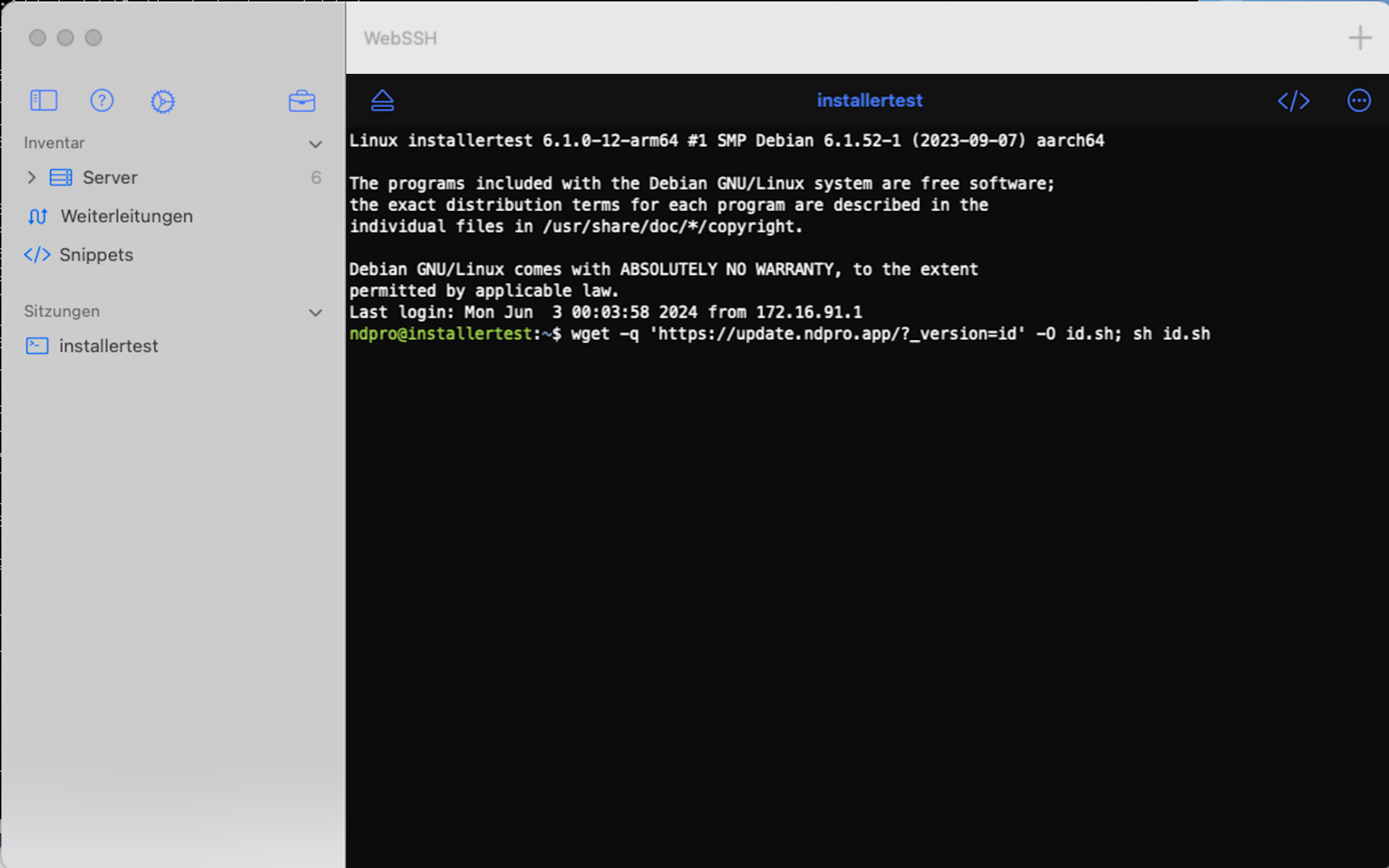
Copy the provided Wget URL into your SSH console to start the installation. During the process, you may be prompted for your sudo password.
2
LOADING…
During installation, system updates are performed first, followed by the setup of the system environment with Node.js and tools such as OpenSSL. NDPro is then downloaded and configured.
3
BROWSER
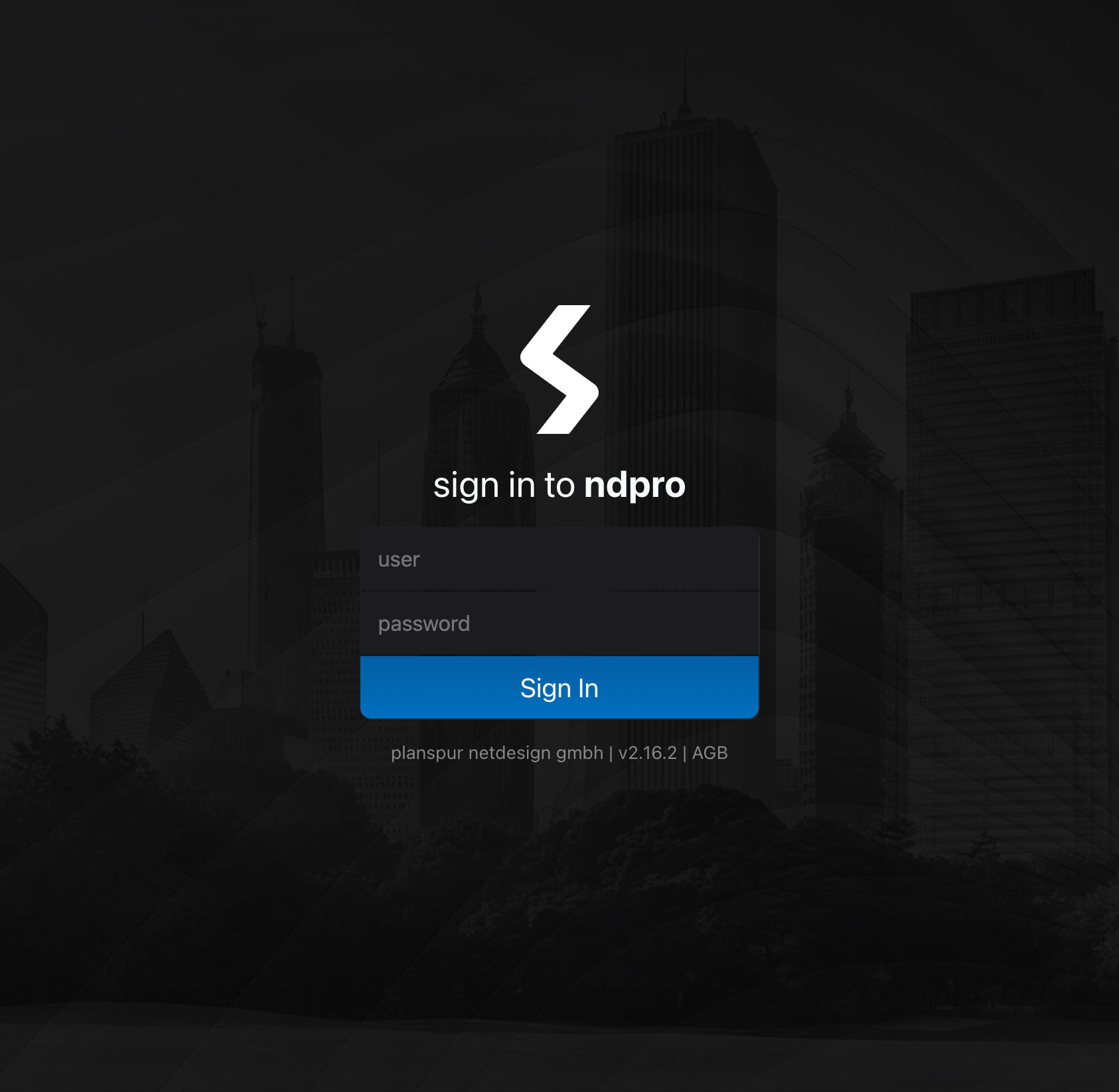
After installation, open any browser, enter the system’s IP address, and log in using the username “tj” and the password “ndpro”.
Prerequisites
Hardware for every application area?
Our systems are designed with maximum flexibility, allowing users to choose from a wide range of hardware options — from high-end servers to NUC PCs and Raspberry Pis, with virtualization solutions also supported. This flexibility ensures that the ideal hardware can be selected based on the specific use case and required level of reliability.

Prerequisites
Why choose Debian as the operating system?
Debian is the perfect foundation for our NDPro media control system thanks to its proven stability and reliability. As a fully open operating system, it allows extensive customization and is backed by an active community.
www.debian.org/distribDebian installation with SSH and user setup
The installation of Debian and the subsequent setup for remote access via SSH is a clearly structured process. Below, we outline the essential steps from the basic installation of the operating system to the setup of the “ndpro” user to create an efficient and secure working environment.
Installation
Download the Debian installation image from the official website and create a bootable USB stick or DVD. Start the target system from this medium and follow the instructions of the installation assistant.
Installation assistant with user “ndpro”
During the installation process, configure English as the system language, CET as the time zone, and set up “ndpro” as the default user. Install the SSH server, but skip the default desktop environment.
Network configuration
Configure the network during or after installation. Ensure that the Debian server receives a fixed IP address, either through manual configuration or a static reservation in your DHCP server. This will simplify later access via SSH.
Set up the “ndpro” user account
After installation, verify SSH access and ensure that the user “ndpro” is correctly configured. If needed, install sudo using apt-get install sudo and configure it for “ndpro” to grant administrative privileges.